Your tiles, in their room, in seconds
One photo from the doorway. The visualiser finds the floor and lays your tile in perspective. Switch on walls and it paints your palette onto them too.
We set it up with you
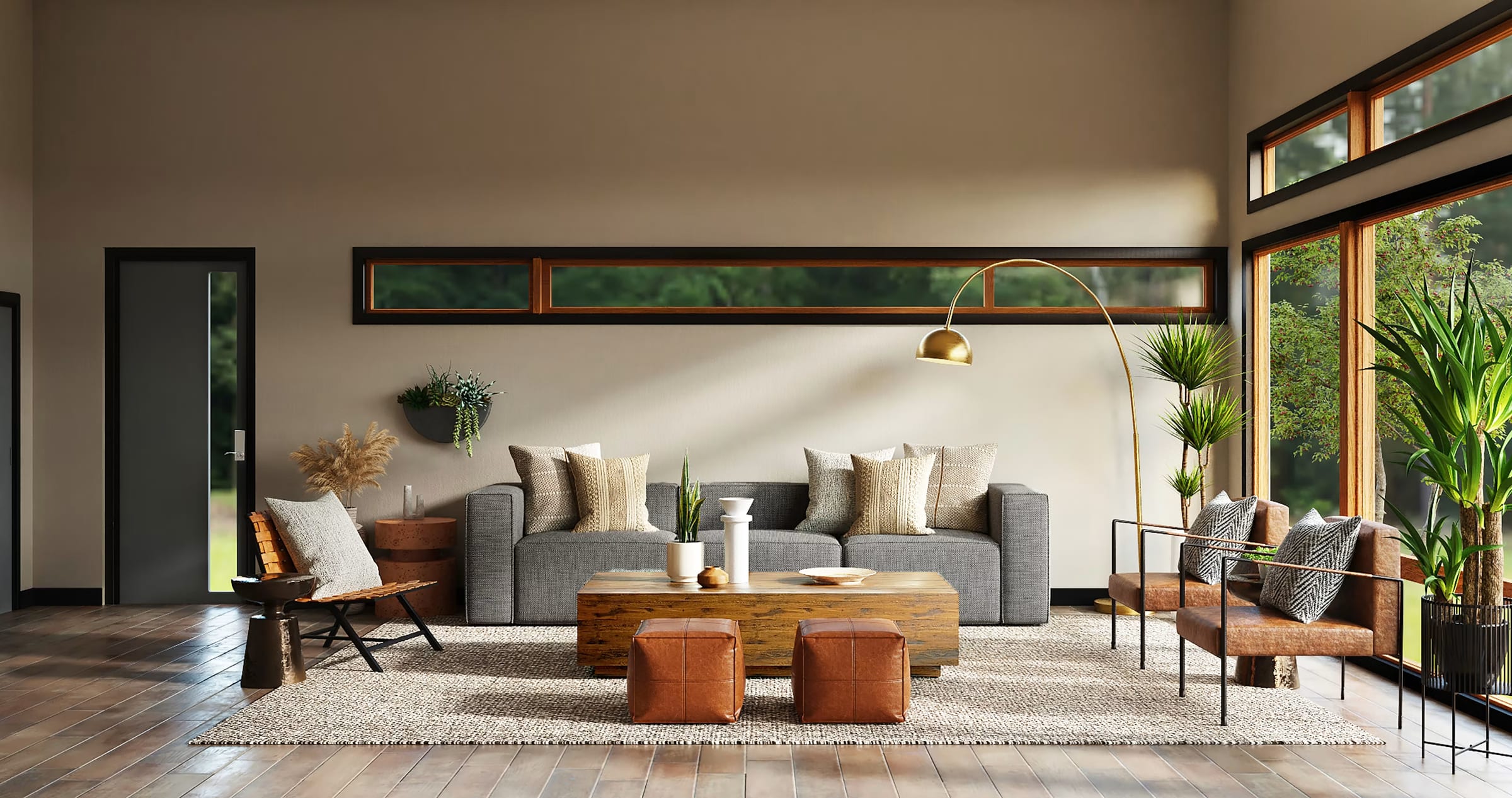
Photo in, surfaces out, numbers back
No markers, no measuring, no app. The whole thing runs inside your product page, under your own brand.

Your tile on the floor, and your colours on the walls if you want them
Every surface carries its own pin. Tap the floor and the panel shows your tile catalogue. Walls are an option you switch on: then each wall gets a pin for your paint palette, one at a time or all at once.
- Pins sit on the surface itself, so there is no list to read.
- The floor gets your tile catalogue; with walls on, they get your paint palette.
- One tap paints every wall at once, or each one separately. Walls are optional.
It says so, and says what to do
Some photos aren't a room the model can read. The widget never guesses — it explains what went wrong in the customer's words and offers the fix.
- Not a room photoA tile close-up or a garden shot. We ask for a wider photo from the doorway.
- Too many photosA fair-use limit per visitor. The customer is asked to wait a moment, then try again.
- Service busyThe customer is told it couldn't answer just now, and can try again in a moment or with another photo.
Three steps to live
Detection runs on our side, so there is nothing to host — and because no photo is ever written to disk, no new data policy to write either.
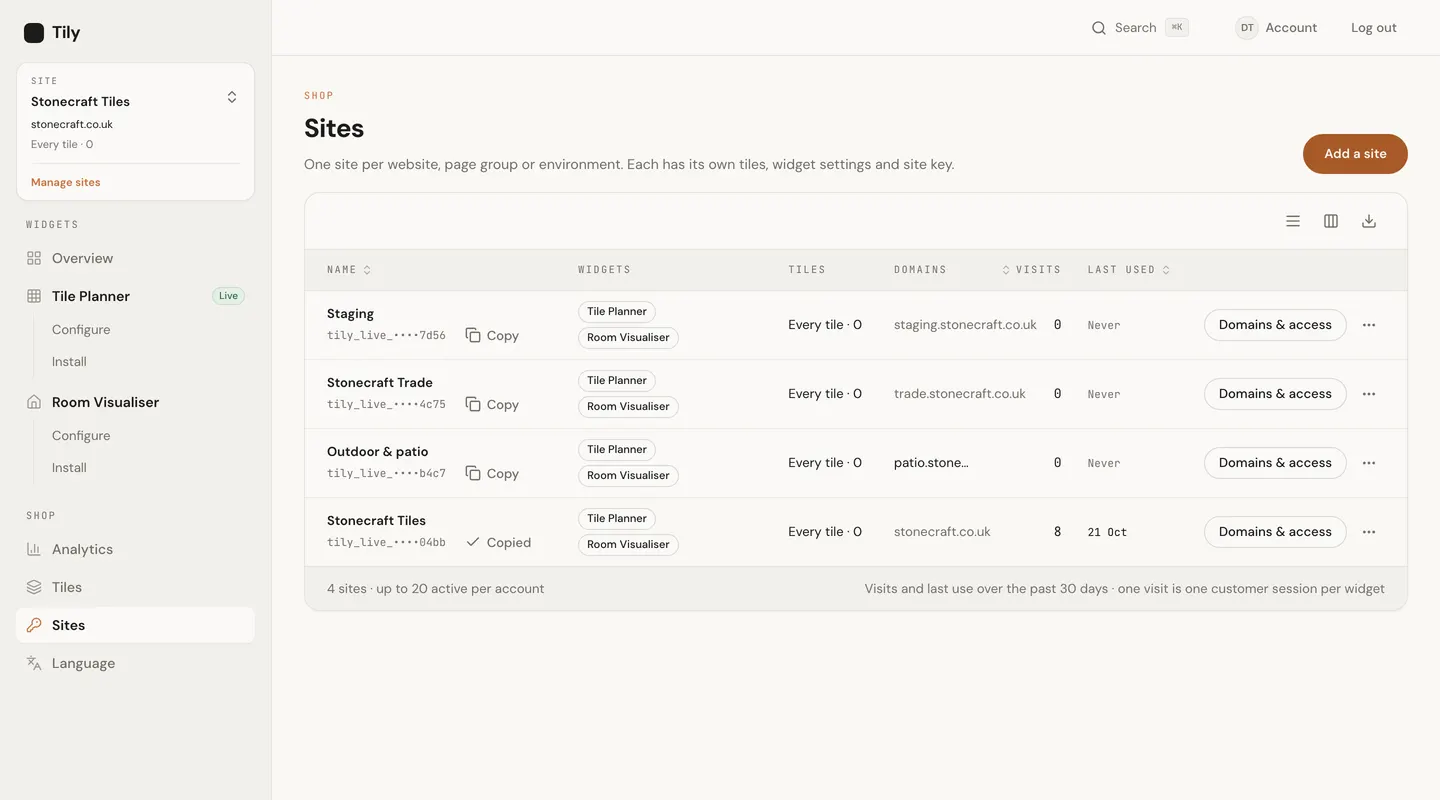
Your site key waits in the dashboard under Sites; one click copies it.
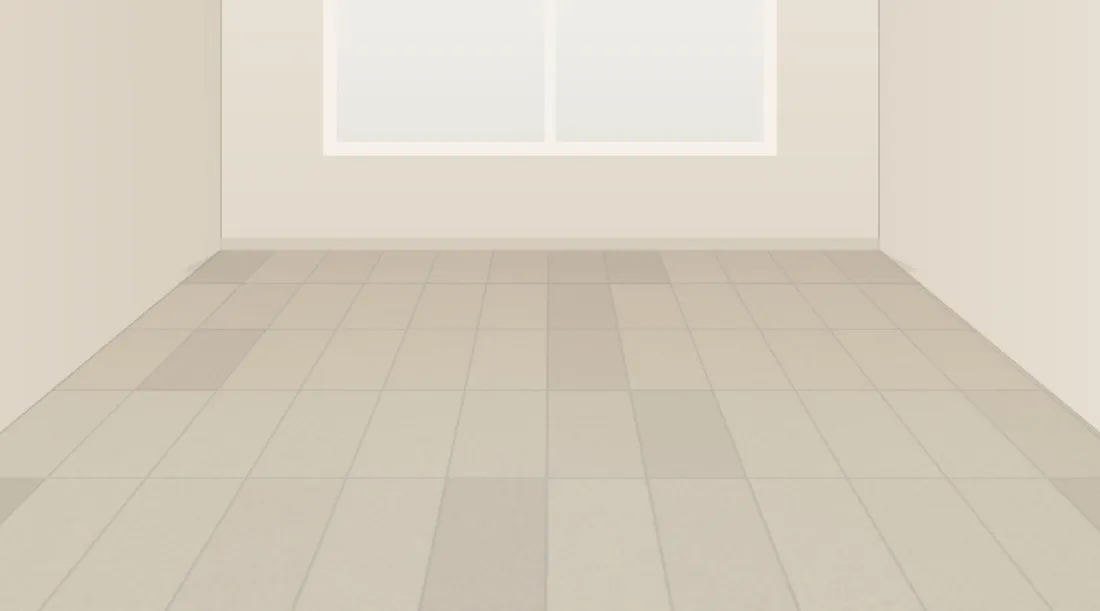
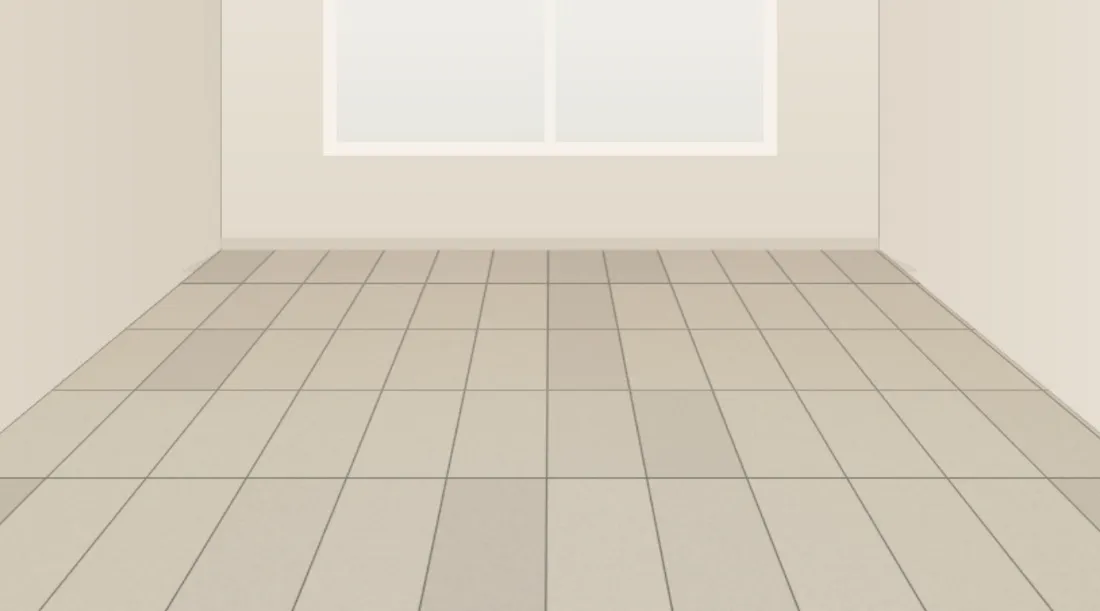
Pick sizes, patterns and grout; the live preview changes as you go.
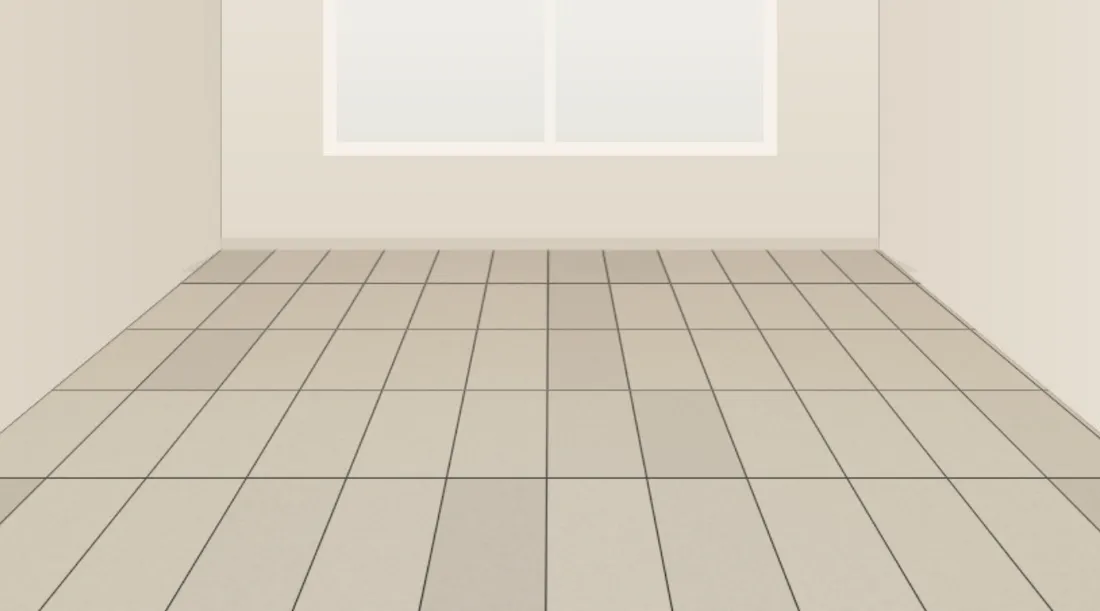



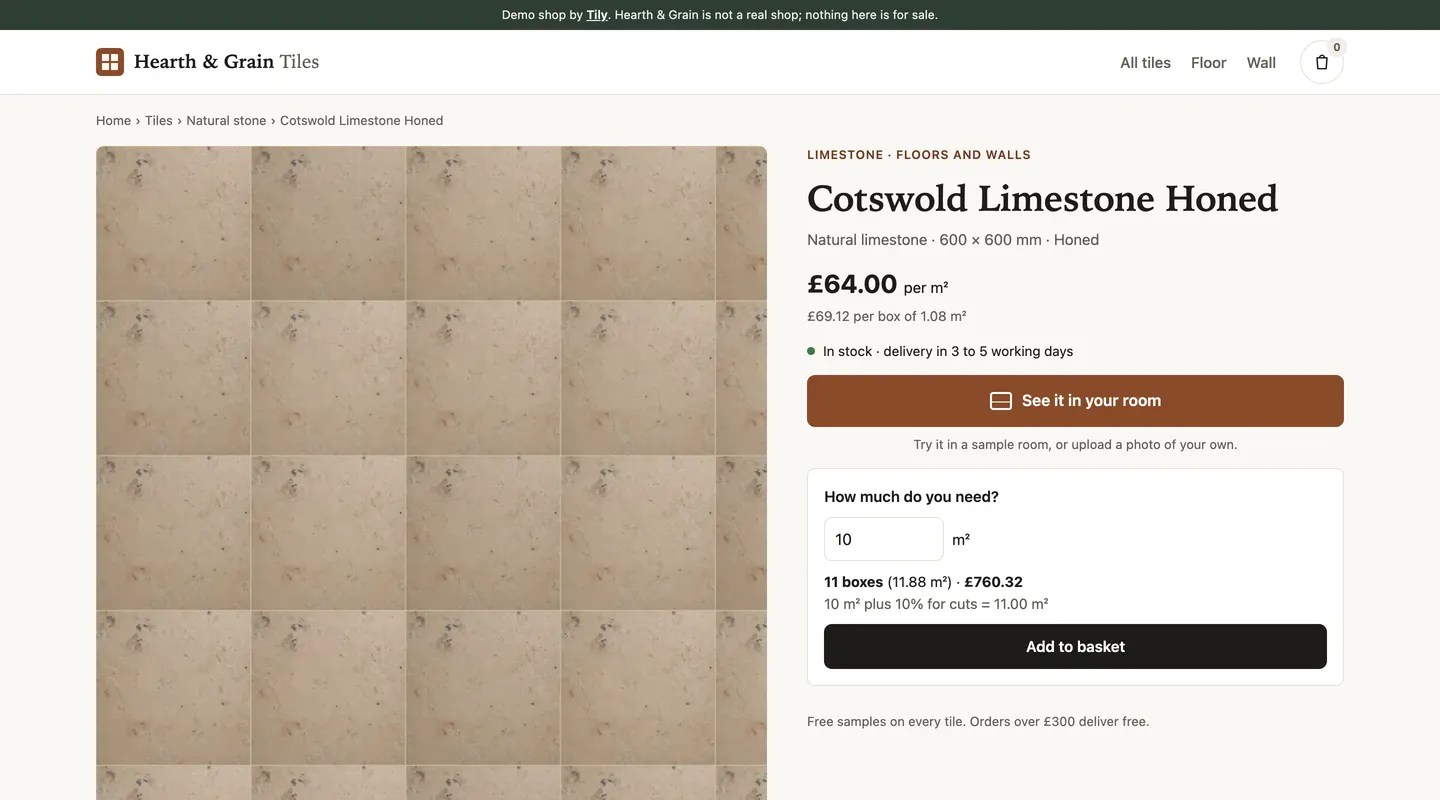
Paste two lines on your product page and the “See it in your room” button appears.
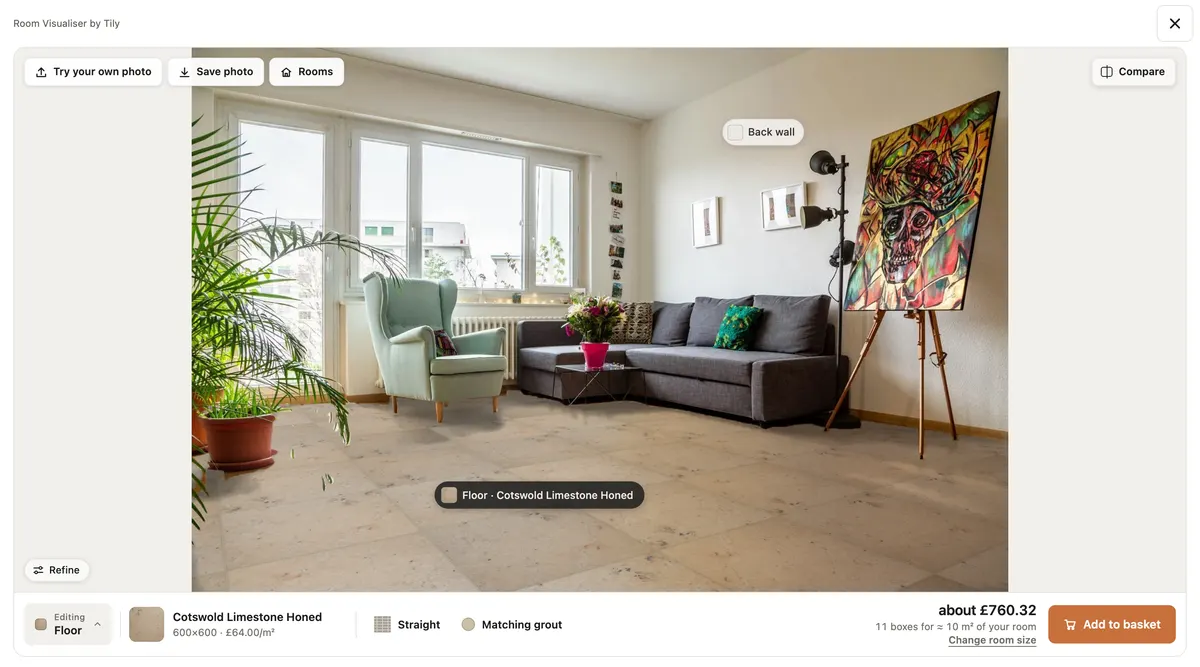
The Visualiser is switched on for your account when we set it up; we'll go through plans with you when you get in touch.
Questions shops ask
Which platforms does it work with?
Any site where you can add a script tag: Shopify, WooCommerce, Magento or your own HTML. It's two lines on the product template. Add to basket either opens your shop's basket link with the product and quantity filled in, or hands the line to your own code if your developer prefers.
Do you store customers' photos?
No. A photo is processed in memory to find the floor, the result is sent back and the photo is discarded. It isn't saved, isn't used to train models and isn't shared. We only log that a photo was processed.
Privacy policy: room photos →How long does setup take?
Most of it is ours: we set it up with you. We import your catalogue from a CSV or a product feed and set up your branding; you paste two lines on the product template and preview it on a sample room. Nothing goes live until you switch it on.
What if it can't read a photo?
The widget says so in plain words and tells the customer what to try instead, usually a wider photo from the doorway. It never guesses a floor.
Does the Visualiser do walls as well as floors?
The floor is what it's built around. Walls are an option you switch on: they're newer, and a door or a built-in unit is sometimes painted along with the wall, so try it on your own rooms first.
How accurate is the tile count?
The Tile Planner lays the tiles out at your tile size, bond and grout width, and counts whole tiles and cut pieces from that layout rather than dividing the floor area by the tile. Your waste allowance goes on top, and it works out the boxes from your tiles per box. It plans from the customer's own measurements, so it's as good as those.
Will it slow my product page?
The snippet loads a small script from our CDN, which fetches the widget in the background, so your page doesn't wait for it. The Visualiser fetches the part that handles photos only when a customer goes to add one.
Does it use my catalogue and branding?
Yes. Both widgets show your own tiles, imported with you from a CSV or a product feed (for Shopify and WooCommerce we set the import up with you), in your colours, and Add to basket goes to your basket.
Can I cancel?
Yes. You can close your account at any time by emailing us, and after the trial either side can stop at the end of a billing period.
Terms of service →Put your tiles in your customers' rooms
Try it on a photo of your own room first — then the settings you save are the ones that go live.